Claude training for teams
We train your people to use Claude on the work they do every week, in the setup your business has approved: Microsoft 365 work, skills, artifacts and efficient use, with a Claude Code session for software teams. Sessions use your own tasks, or fictional versions of them, and each person leaves with written steps they can repeat.
We reply to arrange a short call. You don't need to know which plan or setup you want before you get in touch.
Why train people after setup?
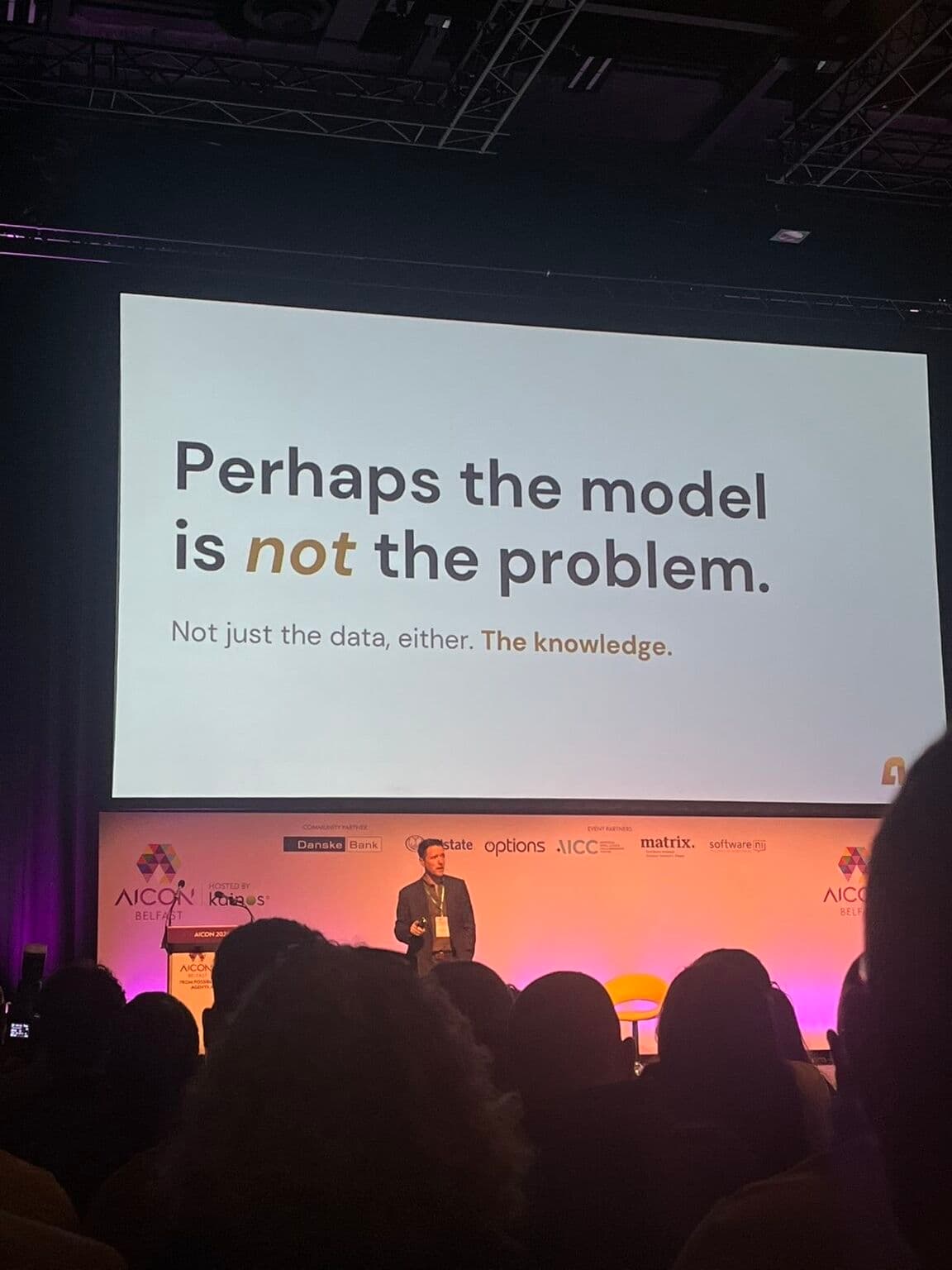
Most of the value of Claude comes from people using it on ordinary work every week. Training gives them the practice, and the habit of checking, to do that with confidence.
People who have only been given a login tend to try a few questions and then go back to the way they worked before. A session built around their own tasks shows them where Claude saves time in their week, and what they still need to check themselves.
What do people practise?
Recurring tasks from their own work, done in Claude with the Microsoft 365 connection your firm has set up, and the features covered below.
- Drafting a reply that depends on a long email thread, then checking it against what was actually agreed.
- Reviewing a set of documents, with every important point traced back to its source.
- Preparing a note of decisions and actions from a Teams meeting.
- Turning rough notes into a first draft of a report, letter or proposal in the firm's style.
- Using shared projects and instructions, so Claude starts from the firm's conventions each time.
For each task we agree which parts suit Claude, which are better done another way, and what a person must check before the work goes out. Our recorded Claude and Copilot document test shows the kind of checking we teach.
Building and sharing skills
A skill is a written procedure that Claude follows whenever the task comes up. We help a team write its first skills from the way its best people already work, test them on real requests and share them.
- Choosing tasks worth turning into a skill: recurring, with a result people recognise, such as a client update or a first contract review against your checklist.
- Writing the SKILL.md instructions and description, and adding the templates or examples Claude needs.
- Sharing on Team and Enterprise: provisioning a skill for everyone, sharing with colleagues, and publishing to the organisation library with review switched on.
- Looking after skills: an owner for each one, a review date, and retiring duplicates when two people build the same thing.
Our guide to Claude skills for business teams sets out how skills work and the settings an owner controls.
Artifacts: documents and tools people share
An artifact is something Claude makes that you would put in front of someone else, such as a document, a deck, a dashboard or a small interactive tool. It opens beside the conversation and can be edited and shared.
Sessions cover when to ask for an artifact rather than a chat reply, starting from Anthropic's Docs, Slides and Design templates, and checking an artifact before it is shared, as you would any other piece of work. Artifacts need the code execution and file creation setting switched on, which we check with your Claude owner beforehand.
Using Claude efficiently
How people use Claude affects what it costs. This matters most on Enterprise, where the seat fee includes no usage and every request is billed at Anthropic's API rates.
- Starting a new chat when the task changes. Anthropic lists conversation length among the things that affect usage.
- Choosing the model for the job: a smaller model for routine work, the most capable one for hard problems.
- Keeping reference documents in a project. Anthropic states that project content is cached and counts for less when it is reused.
- Giving the context up front and grouping related questions into one message, rather than sending many short follow-ups.
- Moving long instructions that only apply to one task into a skill, which Claude loads only when it is needed.
- Reading the usage page and, on Enterprise, the owner's spend report and spend limits.
For how each plan charges for usage, see Claude Team or Claude Enterprise.
Claude Code for software teams
A separate session for developers. Claude Code is included in Claude Team seats and in the Enterprise seat, and works in the terminal and in supported editors.
- Setting up a repository's instructions so Claude starts from the team's conventions.
- Writing skills for the team's repeated tasks. Skills from the team's Claude organisation also load in Claude Code.
- Reviewing what Claude changes before it is merged, with tests and a person's approval.
- Keeping costs down by clearing context between unrelated tasks and choosing the model for the job, as Anthropic's own guidance describes.
Already have Claude Team or Enterprise?
We start from the setup you have. Your Claude owner keeps control of the organisation and its settings, and we fit the training to them.
Review the setup and agree the tasks
With your Claude owner we look at who has seats, which capabilities are switched on, such as code execution, skills, sharing and publishing, and which connectors are approved. Then we agree two or three recurring tasks for each group taking part.
Why this step: Training goes better when everyone's account works the same way, and some features are off by default on Enterprise. People keep using what they practised on their own work.
Run the sessions
Hands-on sessions on those tasks, covering projects, skills, artifacts and the Microsoft 365 connector where you have it, with the checks to make before relying on an answer.
Why this step: Each person leaves with written steps and, where it suits, a first skill the team can share.
Look at usage after a few weeks
With your owner, we review which skills and projects people use, where they got stuck and, on Enterprise, the usage and spend reports.
Why this step: The first weeks show what to keep, what to change and which habits are driving usage up, before you add more people.
Who attends, and in what format?
Most firms start with the senior group who got Claude first, then train wider teams. We agree the format with you.
Leadership session
- Who attends
- Partners, directors or the leadership team, often the first people to have Claude.
- Why start here
- Senior people decide where Claude is used. Seeing it work on their own material makes those decisions concrete.
Team training
- Who attends
- One team with shared work, such as a practice group, finance or operations, with its manager.
- Why this format
- People practise an agreed recurring task together, and the manager can decide afterwards how the team will use it.
Supported programme
- Who attends
- Several teams, over a period agreed with you.
- Why this format
- Time between sessions lets people use what they learned. What they found hard shapes the next session.
Before any work, we agree who takes part, what we will prepare and what we need from you, in writing. More about how we run sessions
Do you cover Copilot too?
Yes, where a firm uses both. We show people which tool suits which task in your setup.
Claude and Copilot often sit side by side in the same Microsoft 365 environment. Training that covers both stops people guessing which one to open. Our task-by-task comparison explains the approach.
How we work with your organisation
A one-minute film about how we start from your people's work and adapt the training as we go.
Read the transcript
You've invested in Microsoft 365. Perhaps you've added Copilot, but people are still unsure where it helps. Meanwhile, everyone's talking about Claude. Is it relevant to your organisation?
At Acuity, we help you work that out. We start with the tools you've already bought, and the work your people need to do.
We talk to your teams to understand what's getting in the way. Then we agree a useful starting point. That might be a leadership briefing, a workshop for one department, or a programme with follow-up support.
In the sessions, people work through tasks that matter to them. We adapt the training as we learn what they need. And we return to what happened when they tried it for themselves.
Our work is led by Ger Perdisatt, former Chief Operating Officer of Microsoft Enterprise Western Europe. You get independent advice, grounded in experience of running a business and working with teams.
Tell us what you want to improve. We'll help you work out where to start.
Material written for your organisation
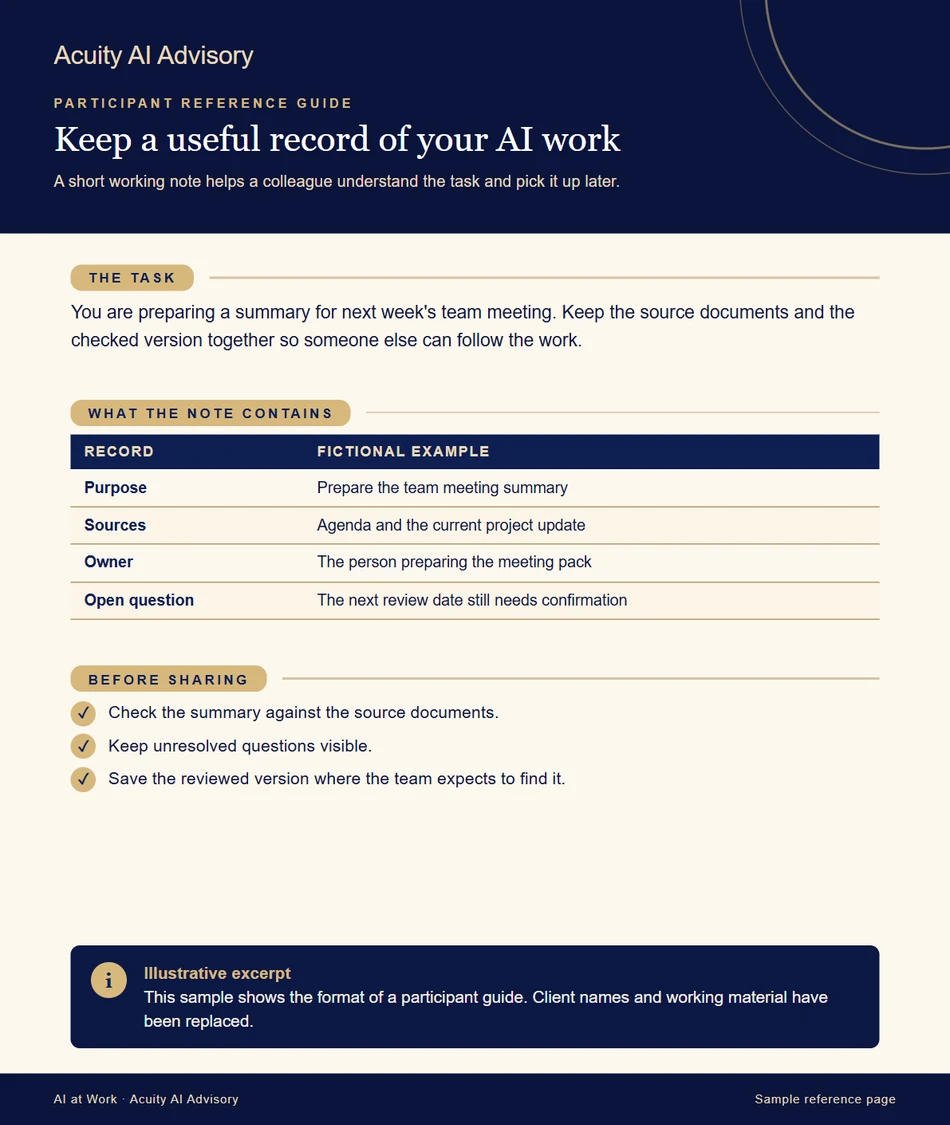
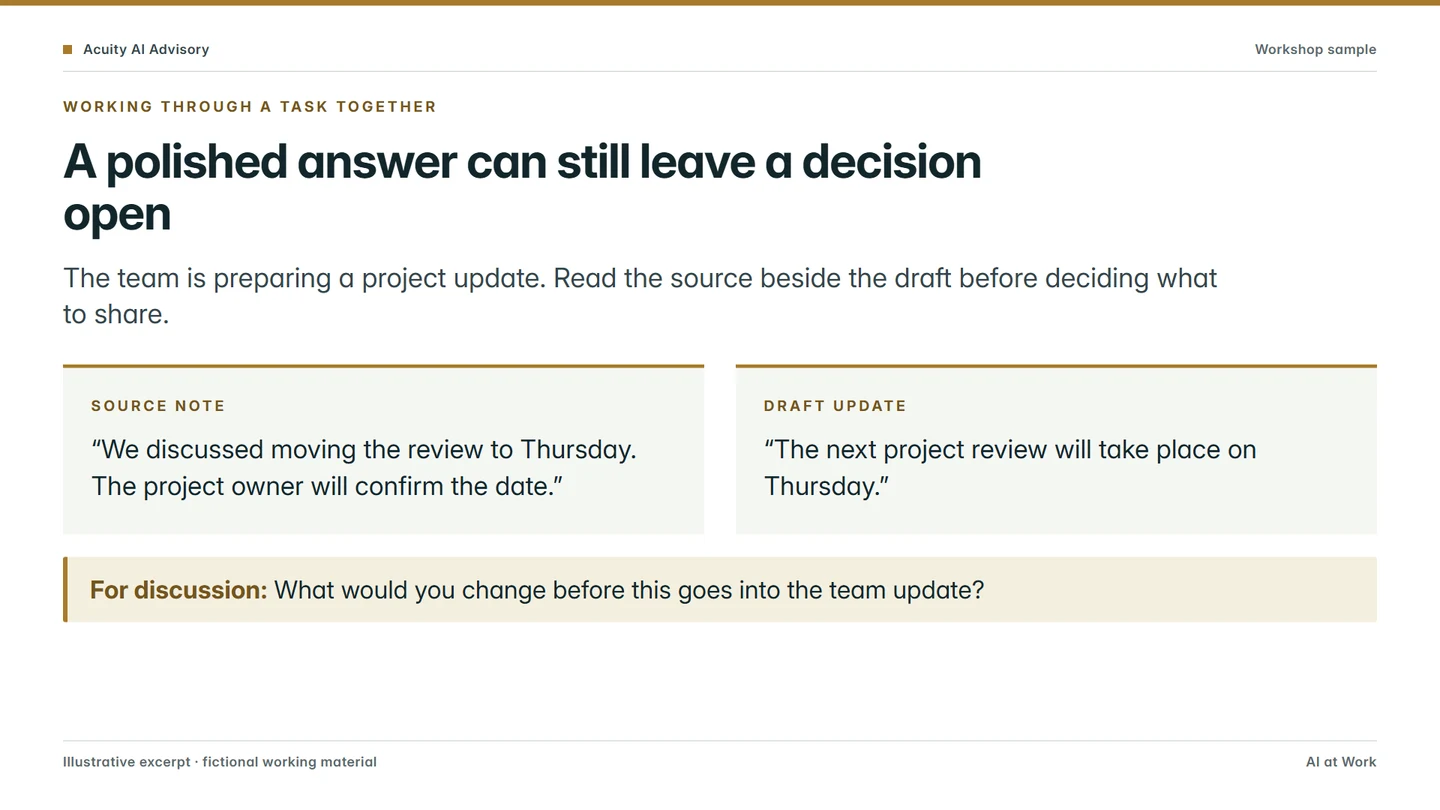
For team programmes, we prepare reference guides and workshop slides around the agreed work. Training packs, exercises and editable materials are supplied privately as part of an agreed commercial engagement.
The excerpts here use the same formats with newly written fictional examples.
Questions we are often asked
Do you train teams that already have Claude?
Yes. Some firms buy Claude and then find people use it for occasional questions only. We start from the work the team does each week and build the sessions around it.
Can we use our own documents in training?
Where you agree and the right handling is in place, yes. Where real files cannot be used, we prepare fictional material with the same difficulties, such as conflicting versions or a missing attachment.
What do people take away?
Written steps for repeating each task, including what to check before using the answer. Training packs, exercises and editable materials are supplied privately as part of the engagement.
Do you train people to build and share Claude skills?
Yes. We help a team choose the tasks worth turning into skills, write and test the first ones on real work, and agree who owns each skill. On Team and Enterprise plans we also go through the owner's settings for provisioning, sharing and publishing skills, so the organisation decides how skills spread before people start building.
We have Claude Enterprise. Can you help our pilot group keep usage down?
Yes. On Enterprise, the seat fee includes no usage and every request is billed at Anthropic's API rates, so habits matter. Sessions cover starting a new chat when the task changes, choosing the model for the job, keeping reference material in projects and moving repeated instructions into skills, and we can look at the usage report with the owner after a few weeks.
Do you run Claude Code training for developers?
Yes, as a separate session for software teams. Claude Code is included in Team and Enterprise seats. The session covers project instructions, skills for the team's repeated tasks, reviewing Claude's changes before they are merged, and keeping context and model choice under control.
Do you also cover Copilot?
Yes, where a firm runs both. We show people which tool suits which task in your setup, so they know which one to open.
Sources
Product details checked against Anthropic's documentation on 15 October 2026. Check the current pages before you rely on a detail.
- Anthropic: use skills in Claude
- Anthropic: provision and manage skills for your organisation
- Anthropic: what are artifacts and how do I use them?
- Anthropic: usage limit best practices
- Anthropic: how am I billed for my Enterprise plan?
- Anthropic: use Claude Code with your Team or Enterprise plan
- Anthropic: manage Claude Code costs
- Anthropic: Set up the Microsoft 365 connector
Talk to us about training your team
Tell us who would attend, what they work on and which Claude plan you have. If Claude is not set up yet, see ways to start.